FAQ
What is the difference between "Overlay View" within the "Select and Mask" workplace and "Mask Checker"?
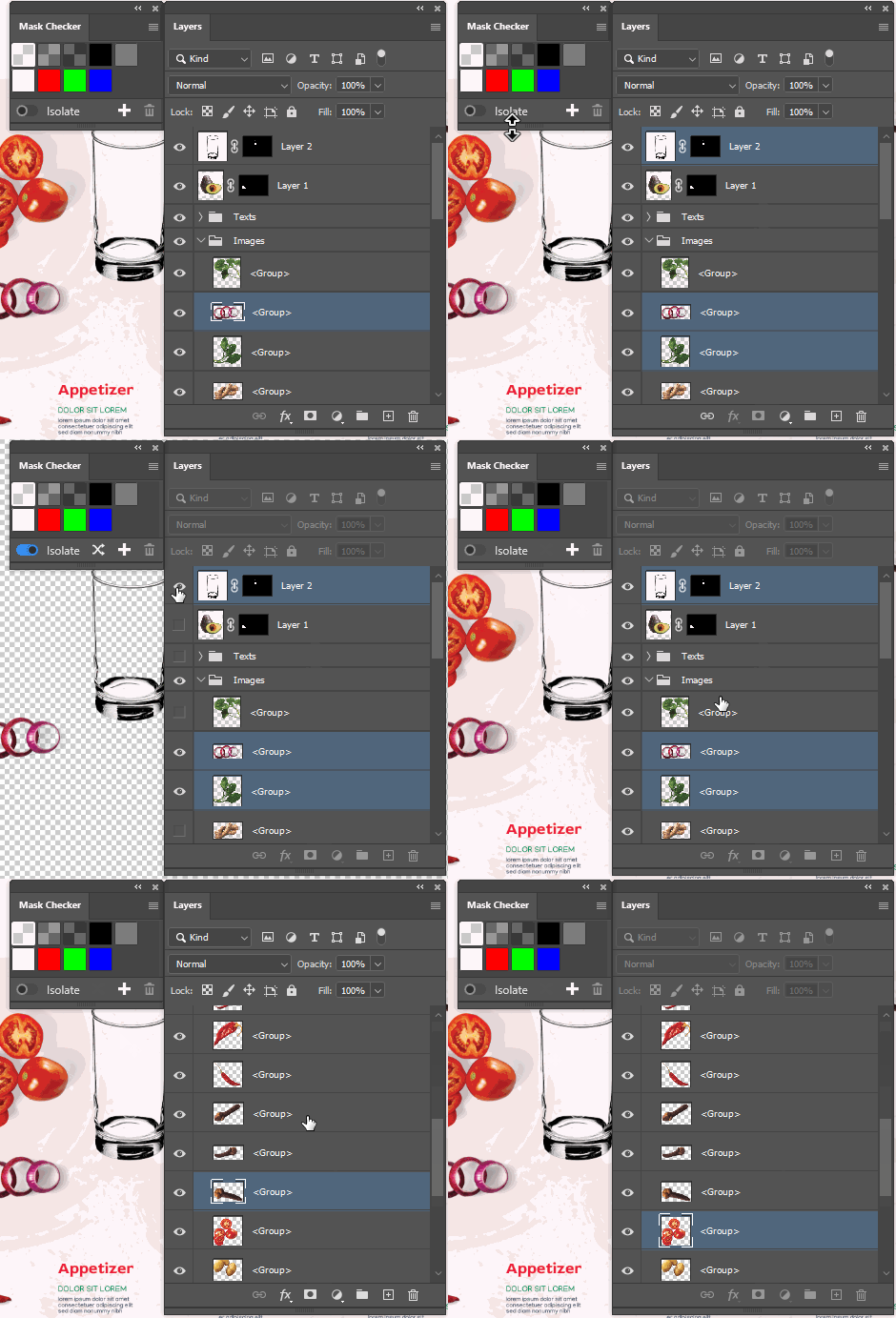
- Overlay view works only for the mask itself but Mask Checker works for layer as a whole including vector mask, layer effects, transparency, stroke, "blend if" and others.
- Overlay view works only within Select and Mask workplace where is unique but limited set of the tools. It also takes a moment to switch back and forth per each layer. Mask Checker works within main user interface where most of the PS features are available.
Does Mask Checker leaves any trace in my PSD file?
Yes. So you can revert visibilities back even after you open file in different computer. But those metadata are hidden to everyone so it won't appear in the Bridge or any other app since it is not stored as XMP at all.
So how/where does it actually change the color?
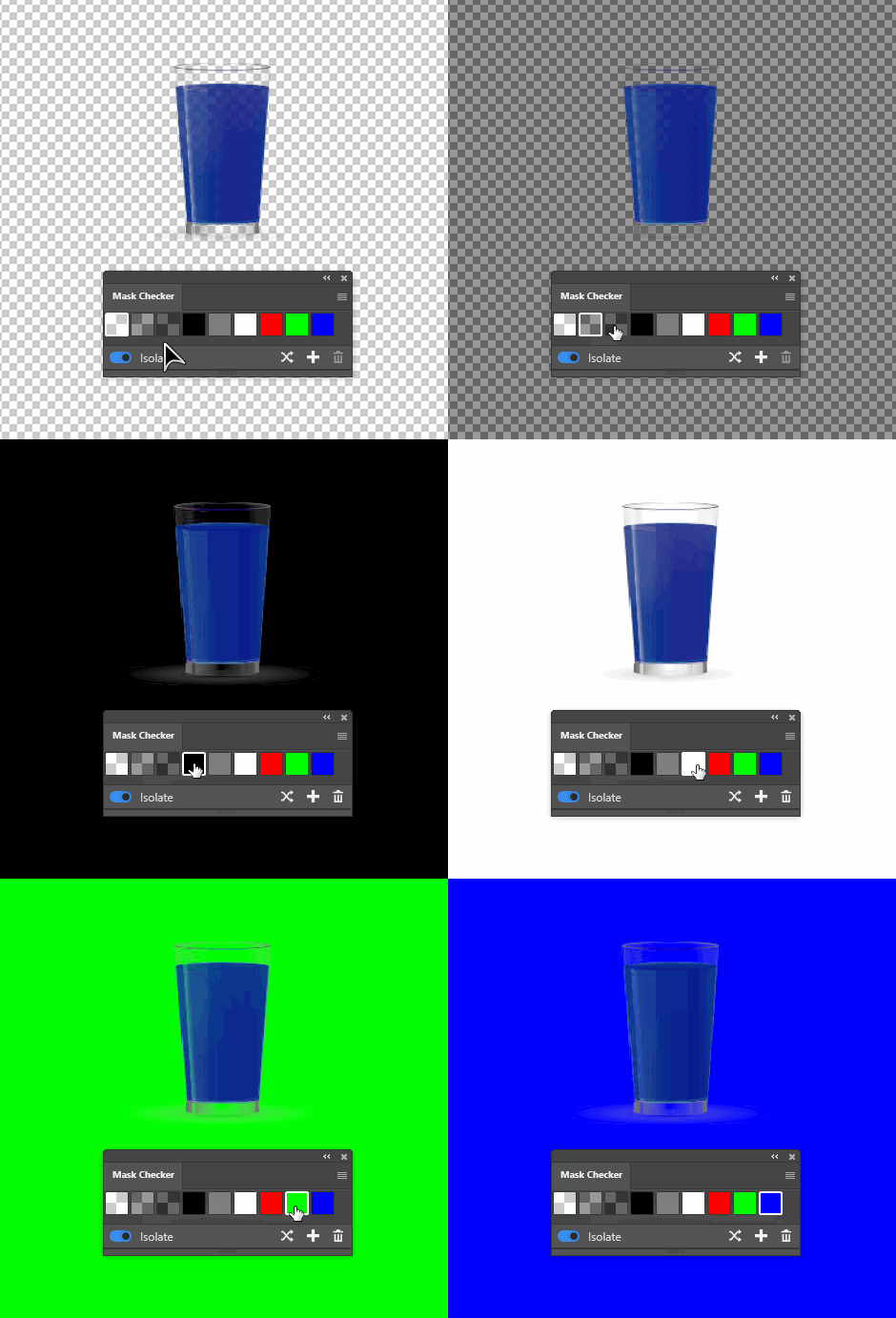
In Photoshop application preferences you can define how transparent color should look like. By default, it is a light gray checkerboard. But you can also pick the custom color and set both colors e.g. to pure red. And this is what the plugin does.